
Training simulator
Watch the smoke react to every decision.
SimFlow computes air and smoke in a building in real time. Trainees open the exhaust, create the inlet, position their fans and see the result immediately, before applying it on the fireground.
In the browser, nothing to install: computer and interactive whiteboard.
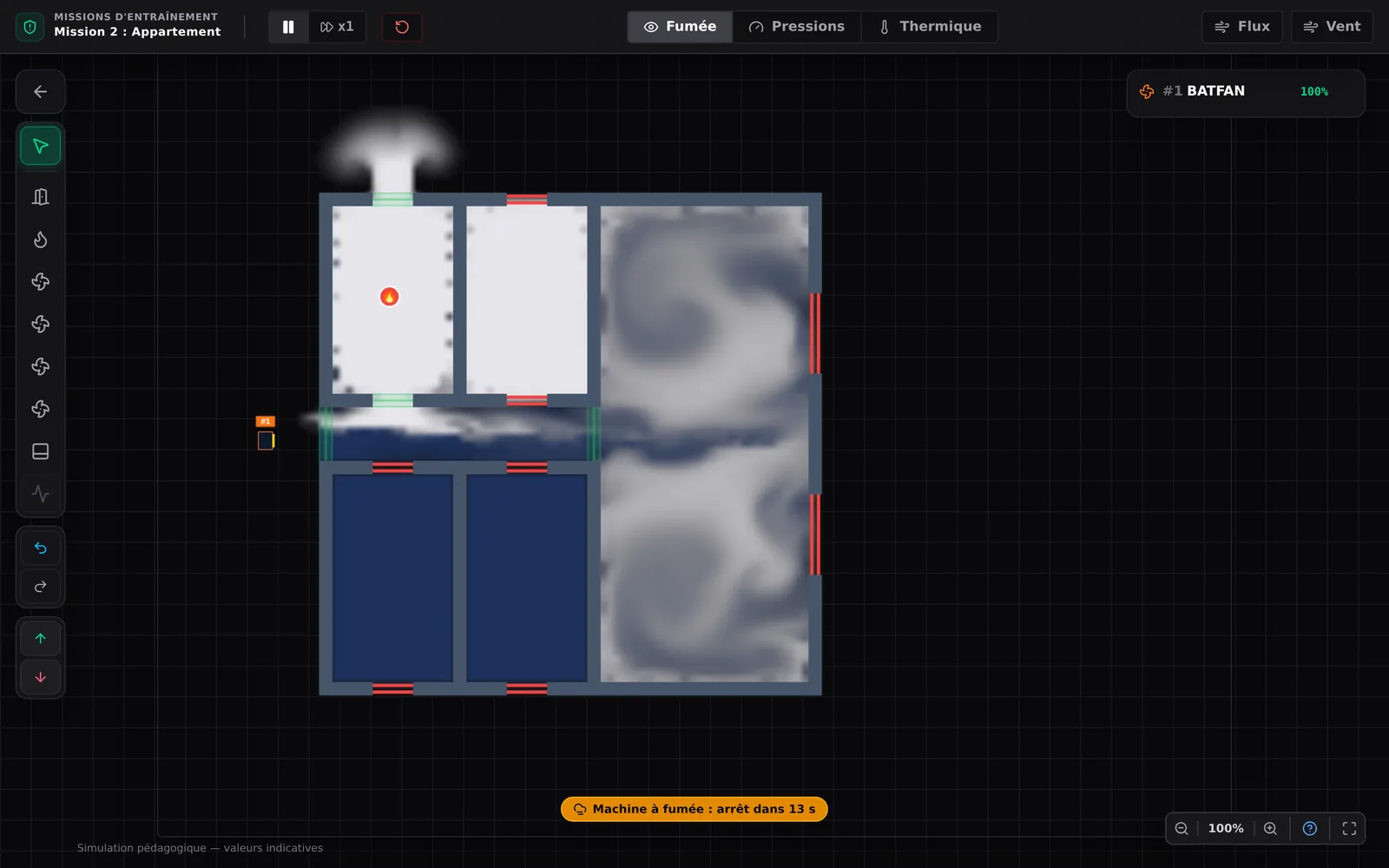
Trois vues
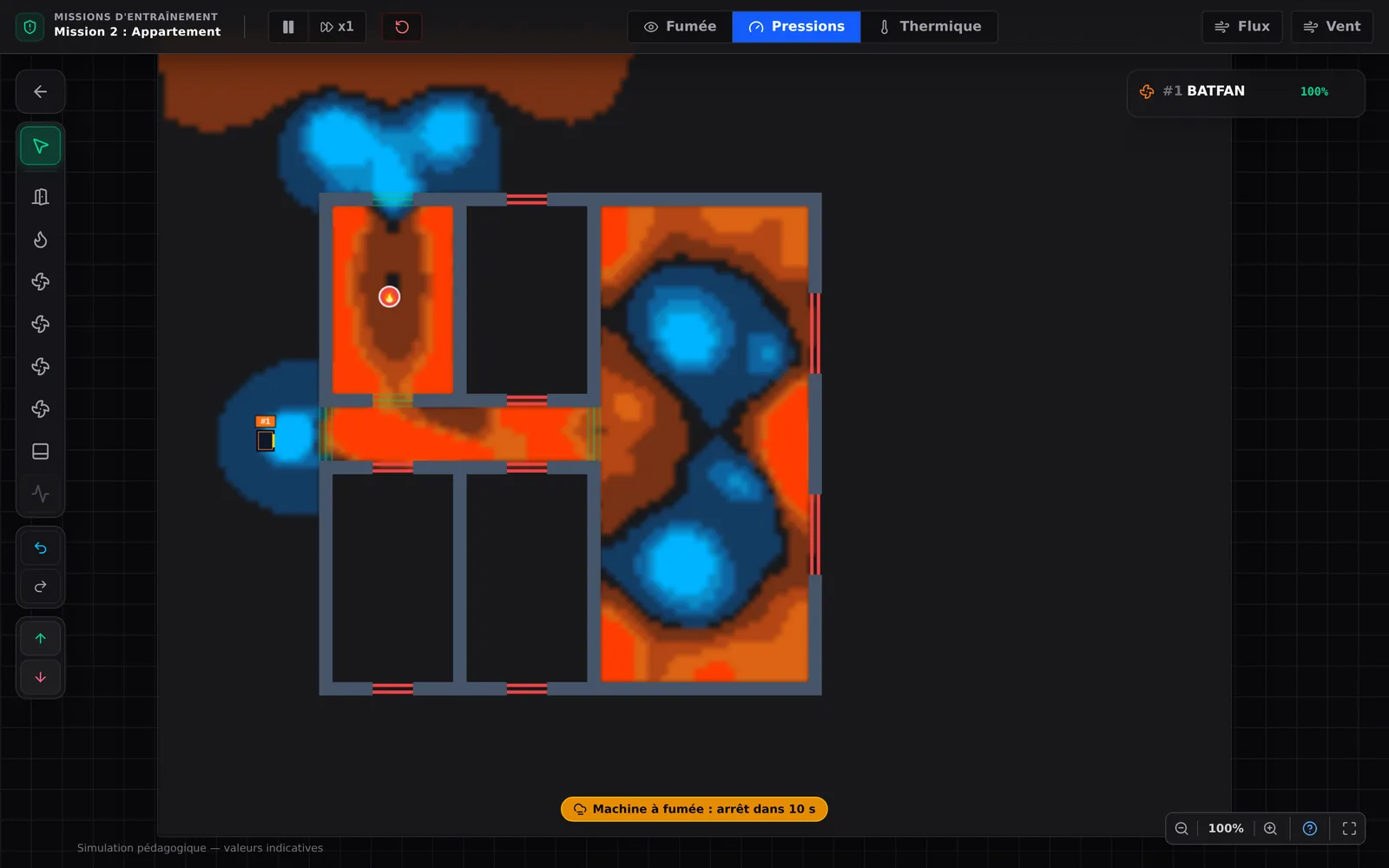
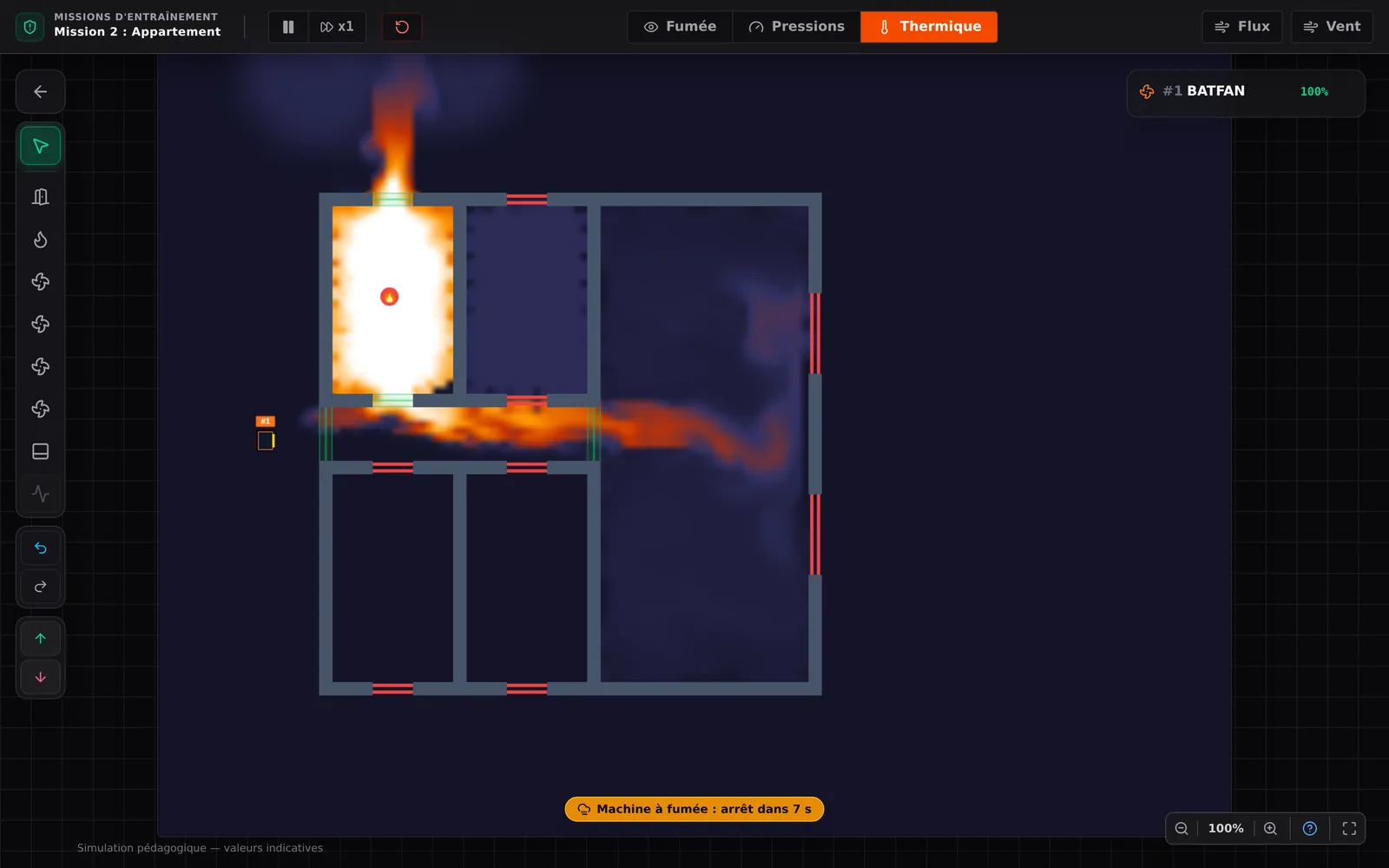
One manoeuvre, three views
One click switches from smoke to pressure, then to temperature. Trainees understand why the smoke leaves through the exhaust: positive pressure from the fan, low pressure at the exhaust, heat from the fire.
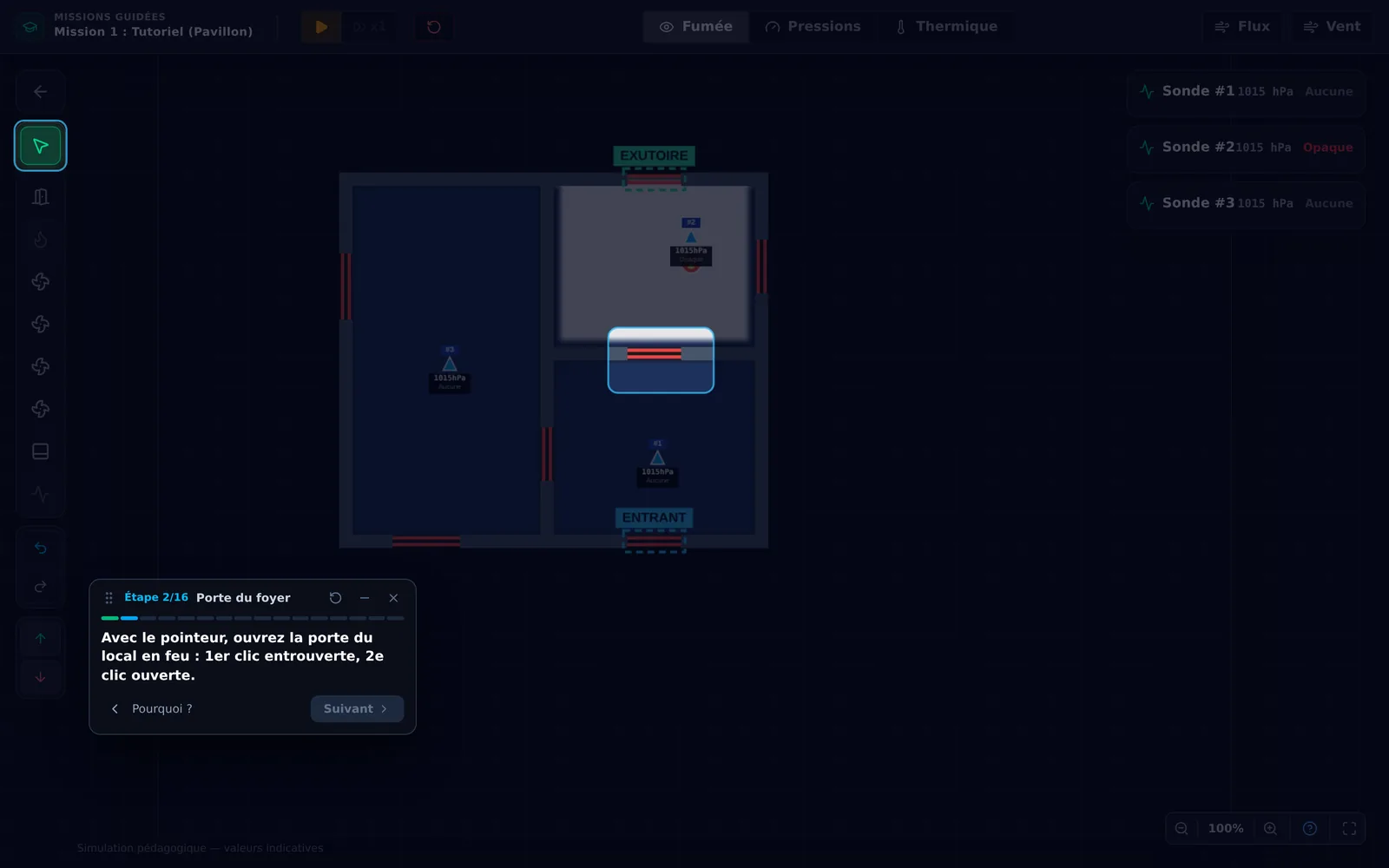
A step-by-step tutorial
Guided missions, from a house to an underground car park. The tutorial guides trainees one gesture at a time: size-up, exhaust, inlet, fan placement and aim, piston effect. Each step is validated by the real action. The screens of the simulator are in French.
Challenges to assess
Smoke is measured room by room: a fire room to clear, clean areas to protect. Limited equipment, imposed openings, timed smoke generator: the challenge is passed or failed, no argument.
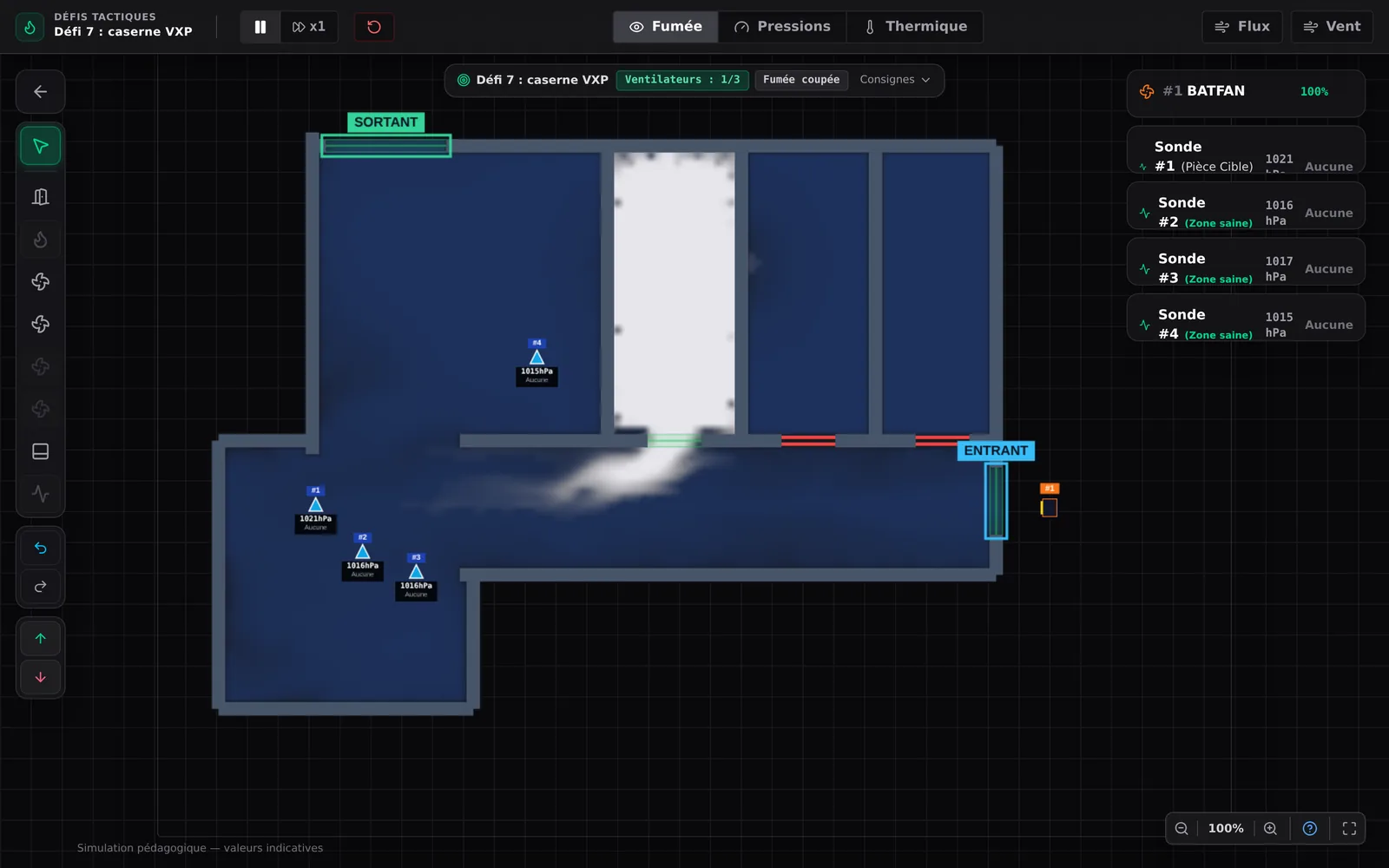
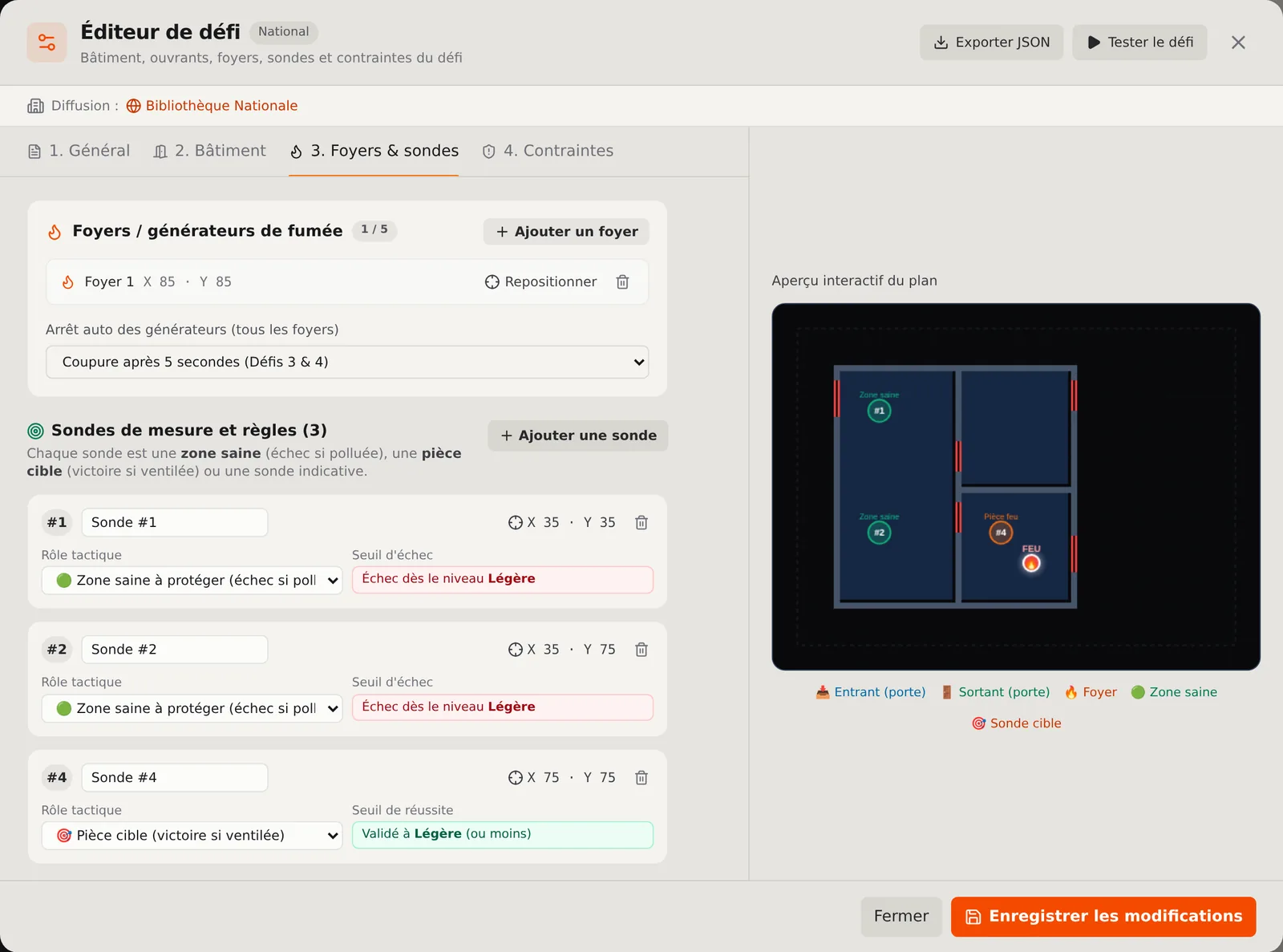
Your buildings, your exercises
Instructors draw their own plans, place fires, measurement points and constraints, then share the exercise with their organisation. The best ones are reviewed and published in the national library.
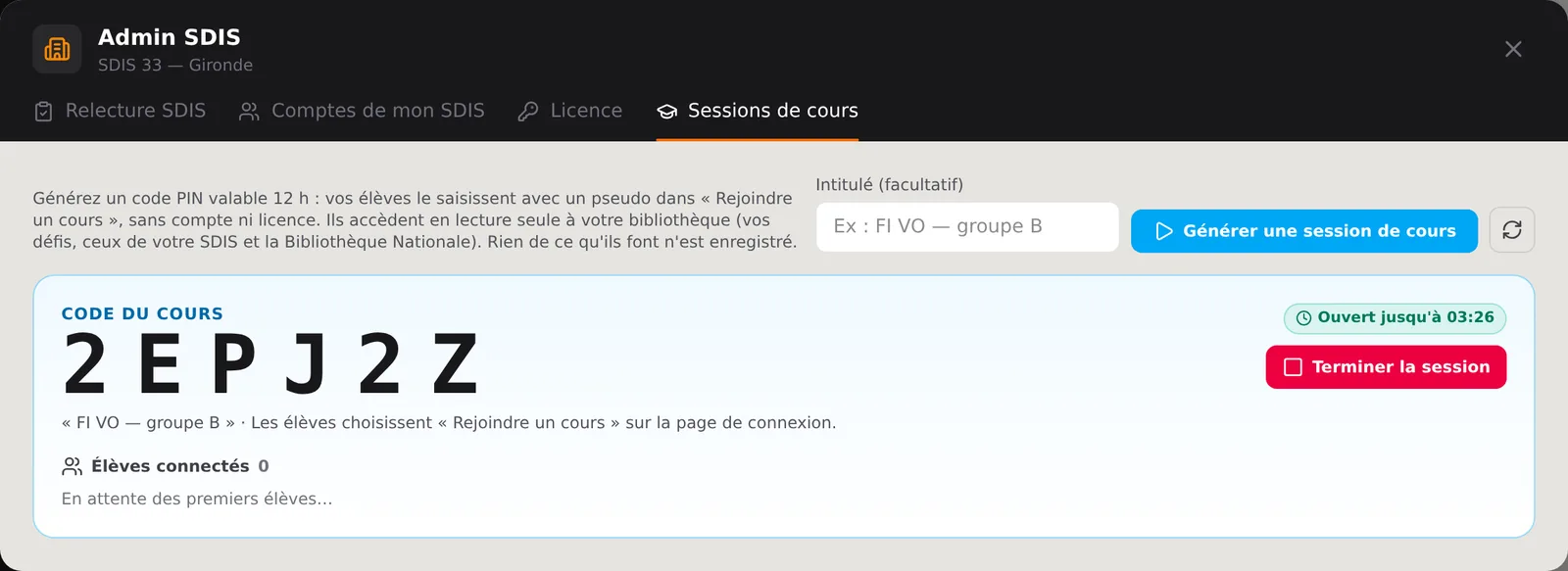
Simple access for classes
The instructor generates a class code. Trainees enter it with a nickname: no account, no installation, nothing is stored.
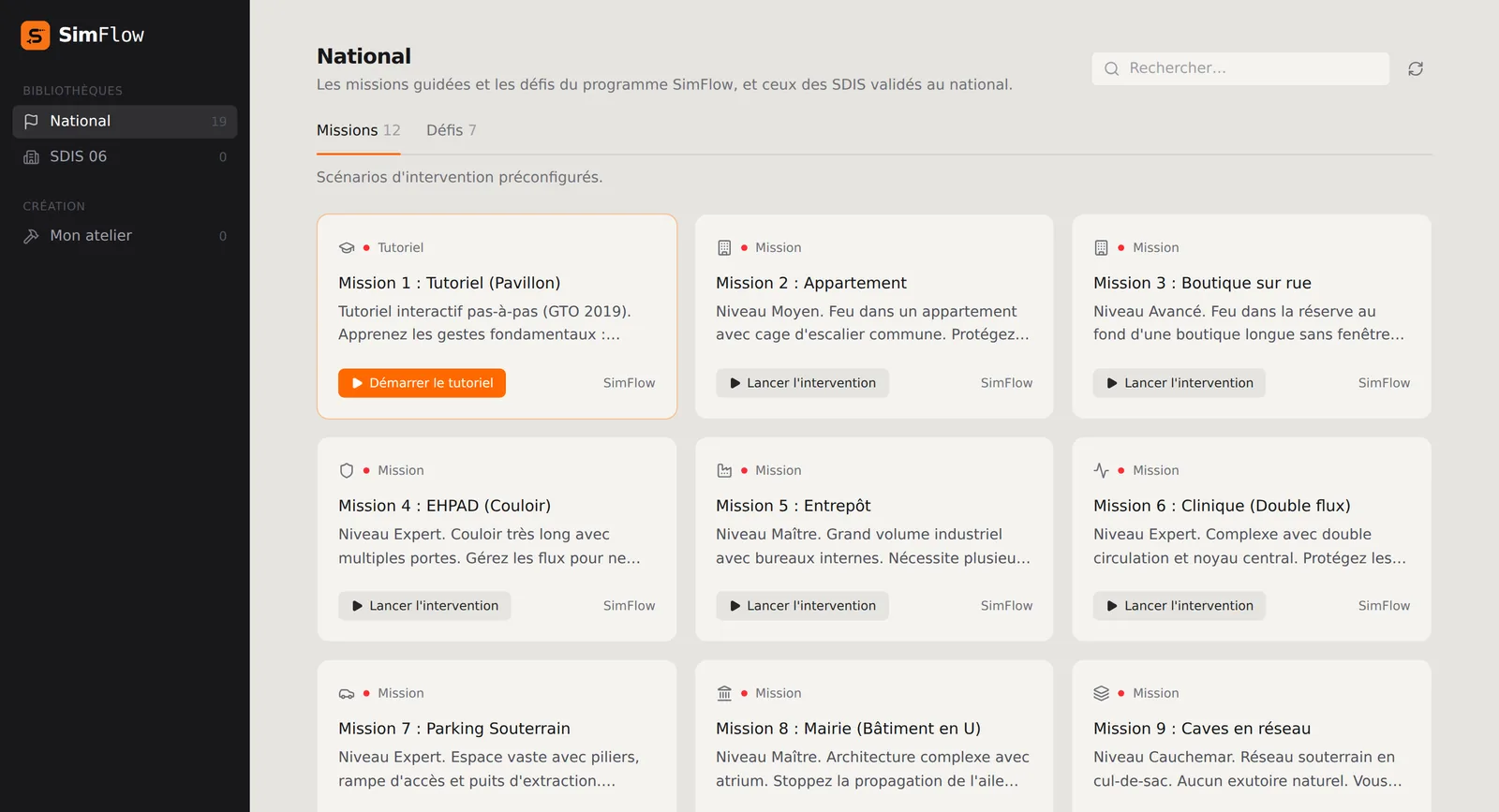
A shared library
Guided missions, national programme challenges and your organisation's exercises: everything is organised and ready to launch in class or on the interactive whiteboard.
Who is it for?
Trainees
Understand before acting: see the effect of a badly placed exhaust or a badly aimed fan, without risk.
Ventilation instructors
Teach on the board, build exercises on local buildings, assess with measured challenges.
Organisations
Fire services, private fire brigades, schools: a shared library and scenarios reviewed before being shared.
SimFlow is a teaching tool: the floor-plan simulation illustrates the principles of tactical ventilation. Its values are indicative and do not constitute a validated model of a real fire. It does not replace doctrine or the incident commander's judgement on the fireground.
See SimFlow with your instructors
We present the tool by video call or on site, on your own cases.